Send the details
Describe the problem, add the vehicle, and attach up to four optional photos.
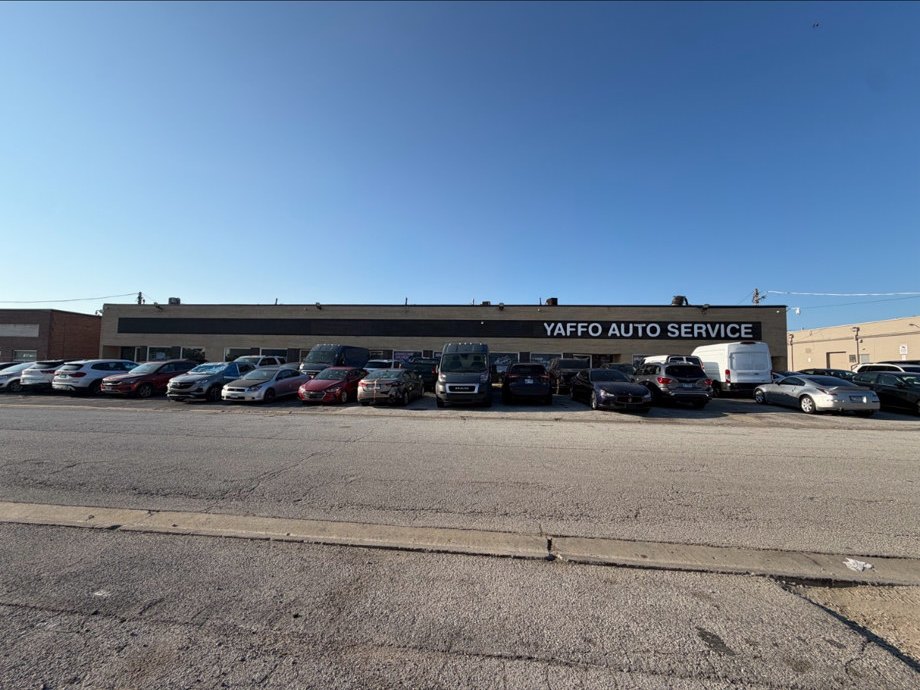
 Yaffo Auto Service
Mechanical Service · Alsip
Mechanical repair in Alsip. Request service online.
Cash-pay work and listed vehicle service-contract programs.
Choose the closest service or describe the symptoms in your own words. Photos can provide context before the shop follows up.
Send the concern, vehicle, contact details, optional photos, and an optional requested time.
Request ServiceThe request goes to this shop. The shop reviews it and follows up about inspection, scheduling, and next steps.
Describe the problem, add the vehicle, and attach up to four optional photos.
Select an available time or skip it and ask the shop to contact you.
The private customer link keeps your request and shop conversation together.
Check today's status, request service online, or open directions before visiting.
This Alsip shop handles work from these vehicle service contract programs.
Only makes supplied by the shop are shown.
Shop-supplied project photographs.
Verified photographs supplied for this shop.
Shop-supplied video.
Open a shop-supplied walkthrough when one exists.
Quoted from the shop's public SureCritic listings. Google reviews stay on Google.
The shop still needs to inspect the vehicle before recommending work.
No. Photos can add context, but the shop still needs to inspect the vehicle before recommending work.
Choose an available time or submit without one and ask the shop to contact you.
Describe the concern, attach optional photos, share contact details, and request an available time.
The shop receives the stored request and any accepted time. The shop handles diagnosis, repair approval, and follow-up.
Send the concern, vehicle, and optional photos. The shop reviews the request and follows up. The shop still inspects the vehicle before recommending work.
Your request stays attached to the selected shop and vehicle.